

Why Your Law Firm’s Digital Front Door is a Google Business Profile
When someone in Washington DC, Los Angeles, or Wilkes-Barre types “employment lawyer near me,” their search for justice begins. In that critical moment, Google often provides an answer before they ever click through to a website. This is the era of the zero-click search, and your law firm’s Google Business Profile (GBP) is center stage. The information panel that appears in Search and on Maps is your true first impression. With nearly 46 percent of all Google searches having local intent, this is not a minor detail; it’s the main event. A complete, professionally managed GBP is viewed as 2.7x more reputable than an empty or neglected listing. An incomplete profile with no recent reviews, sparse information, and poor-quality photos signals a lack of attention to detail—a fatal flaw for a prospective client seeking meticulous legal representation. Conversely, a robust profile acts as your digital lobby, receptionist, and billboard rolled into one, building trust and encouraging that all-important first call.
Mastering Your Attorney Google My Business Profile for Maximum Impact
An optimized GBP follows five core steps. Keep the images below for quick visual reference and use this section as a streamlined checklist you can revisit every quarter.
Step 1 – Claim, Verify & Lock Down Your NAP
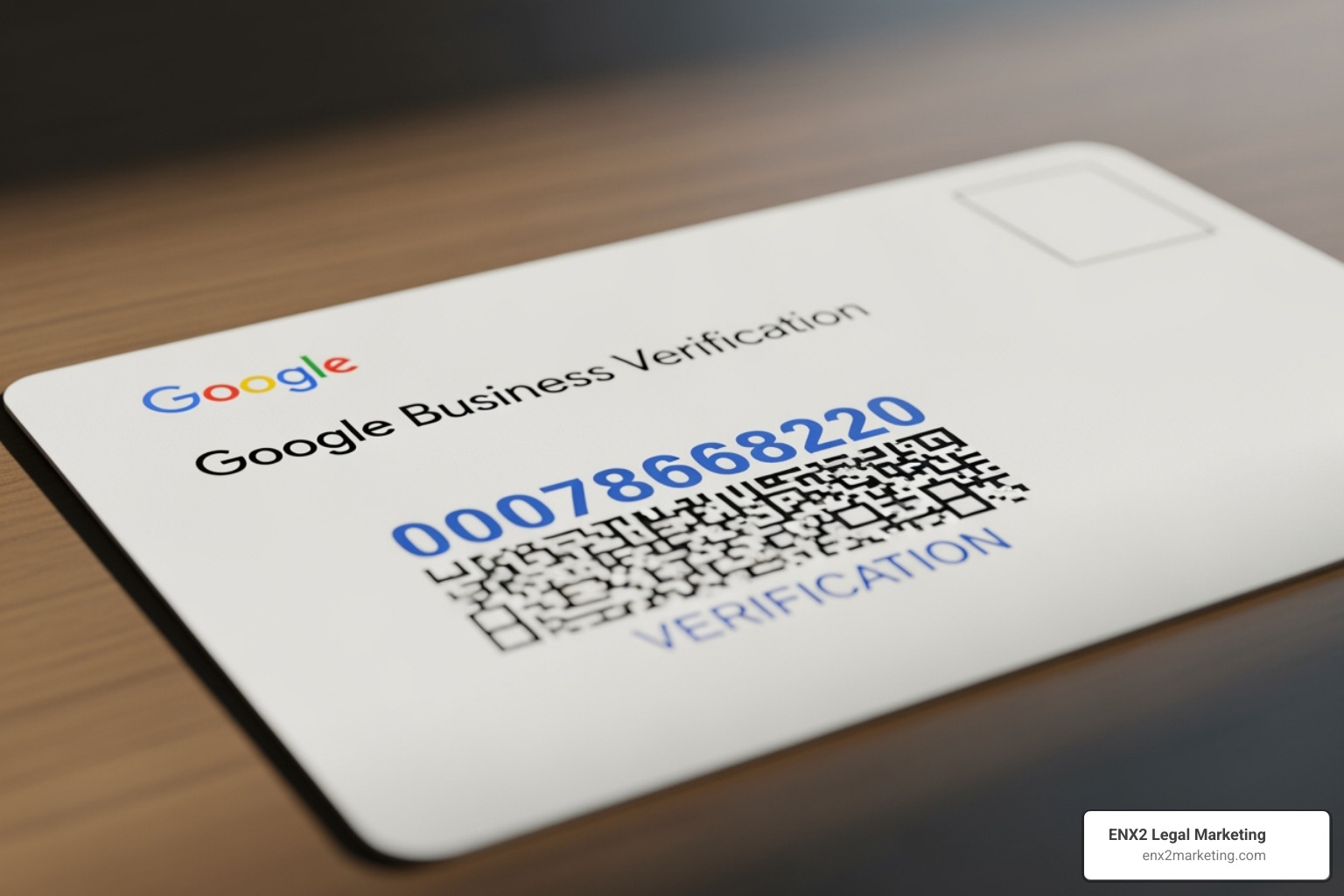

- Search for your firm on Google and click “Own this business?” if it is unclaimed. If it is claimed, you will need to request ownership.
- Enter the exact business name on file with your state bar. Do not add keywords like “Best Personal Injury Lawyer.” This must match your official business registration to maintain consistency and avoid violating Google’s guidelines.
- Select the primary category that drives the most revenue (e.g., “Personal Injury Attorney”). This is the single most important ranking factor for your GBP, telling Google which searches are most relevant to your firm.
- Add a physical office address whenever ethically possible. Google’s guidelines require that a profile represents a location where clients can meet with you and that is staffed during stated hours. Google actively suppresses virtual offices and P.O. boxes, which can lead to profile suspension.
- Finish by verifying—postcard verification sent to the physical address is the safest and most reliable option to prove your location.
Full walkthrough: How to Create a Law Firm’s Google Business Profile.
Step 2 – Complete the Info Tab Once, Review It Often

- Add up to nine secondary categories to cover every practice area. Think of these as additional keywords that help you appear in more specific searches, like “car accident lawyer” or “wrongful termination attorney.”
- Craft a 750-character story-driven description that naturally includes target keywords. Don’t just list practice areas. Tell a story about why your firm exists and who you help. Start with your most important information, as only the first ~250 characters appear before the “more” button.
- Keep hours accurate (including holiday “Special Hours”) and maintain spotless NAP (Name, Address, Phone Number) consistency across the web. Every mention of your firm online, from your website to legal directories, should have the exact same information. Even a mismatched suite number can confuse Google and hurt rankings—see the importance of NAP Consistency.
- Use one canonical website URL and, if you offer online scheduling, add an appointment link for zero-friction consultations. This makes it as easy as possible for a potential client to take the next step.
Step 3 – Activate Advanced Conversion Features
- Google Posts: Publish a short “What’s New” update every 7-10 days to show your profile is active. Share case wins (without violating confidentiality), community events, legal tips, blog post summaries, or firm news. Always add UTM parameters to the call-to-action button to track clicks accurately in your website’s Google Analytics data.
- Q&A: Proactively seed the Q&A section with five to ten common questions (“Do you charge contingency fees?” “What should I bring to my first consultation?”) and answer them yourself. This lets you control the narrative, address common concerns, and showcase your expertise before a potential client even has to ask.
- Messaging: Turn this feature on only if you have a dedicated person or system to reply within minutes. A fast response time can be the deciding factor for a client in distress, while a slow reply can cost you the lead.
- Photos & Videos: Listings with robust visual content receive 35 percent more website clicks. Upload high-quality, authentic exterior and interior office shots, professional team headshots, and team-at-work images (aim for 1200×900 px). Rename image files descriptively (e.g.,
scranton-personal-injury-lawyer-office.jpg) before uploading.
Extra credit: build citations in reputable directories—our guide on Citation & Yellow Pages for Law Firm Local SEO explains how.
Step 4 – Manage Reviews Like a Pro

- Ask happy clients for a review immediately after a successful matter concludes, when their positive feelings are strongest. Make it easy by sending a direct link via email or text, or by using a QR code in your office.
- Respond to every review within 48 hours. For positive reviews, a simple thank you that mentions their name personalizes the interaction. For negative reviews, respond professionally: acknowledge their frustration, express empathy for their experience, and provide a direct, offline contact method (like an email or phone number for a specific person) to resolve the issue. Never reveal privileged information or get into a public argument.
- Flag spam, hateful content, or clear conflicts of interest through Google’s “report” option. Familiarize yourself with Google’s policies to understand what can be removed; guidelines here: manage customer reviews.
Step 5 – Track, Refine, Stay Ethical
Google’s built-in Insights shows how many searches, calls, website clicks, and direction requests your listing generates. Pay attention to how people find you: “Direct” searches are people who typed your firm’s name, while “Findy” searches are from people who searched for a service you offer (e.g., “car accident lawyer”). A high number of findy searches means your optimization is working. Layer third-party call tracking such as CallRail for deeper attribution and to understand which marketing channels are driving calls. Review these metrics monthly and adjust posts, photos, or categories as needed.
Remember ABA Rule 7.1: marketing can’t be false or misleading. This applies directly to your GBP. Skip superlative claims like “best lawyer” or “guaranteed results,” disclose genuine office locations only, and keep stock photos out of the mix. Authenticity builds trust and ensures compliance.
Case Closed: Turning Your Google Profile into a Client-Generating Machine
Your Google Business Profile isn’t a vanity page or a set-it-and-forget-it task—it is the active, beating heart of your local visibility. By claiming it, completing it carefully, feeding it fresh content, and monitoring the data, you build a powerful client-acquisition asset. Do that consistently, and you will outrank firms that spend twice as much on pay-per-click advertising but continue to ignore Google’s most valuable free real estate.
ENX2 Legal Marketing has spent the last decade perfecting precisely that formula for premier law firms across Pennsylvania, New York, Tennessee, California, and beyond. We transform overlooked profiles into powerful intake funnels. Ready for more qualified consultations and fewer blank calendar spots? Visit our website to schedule a complimentary strategy session with our legal marketing experts.
Because potential clients are searching for help right now—the only question is whether they’ll find and trust your Google Business Profile.